























How Esimvanta Travel eSIM Works?

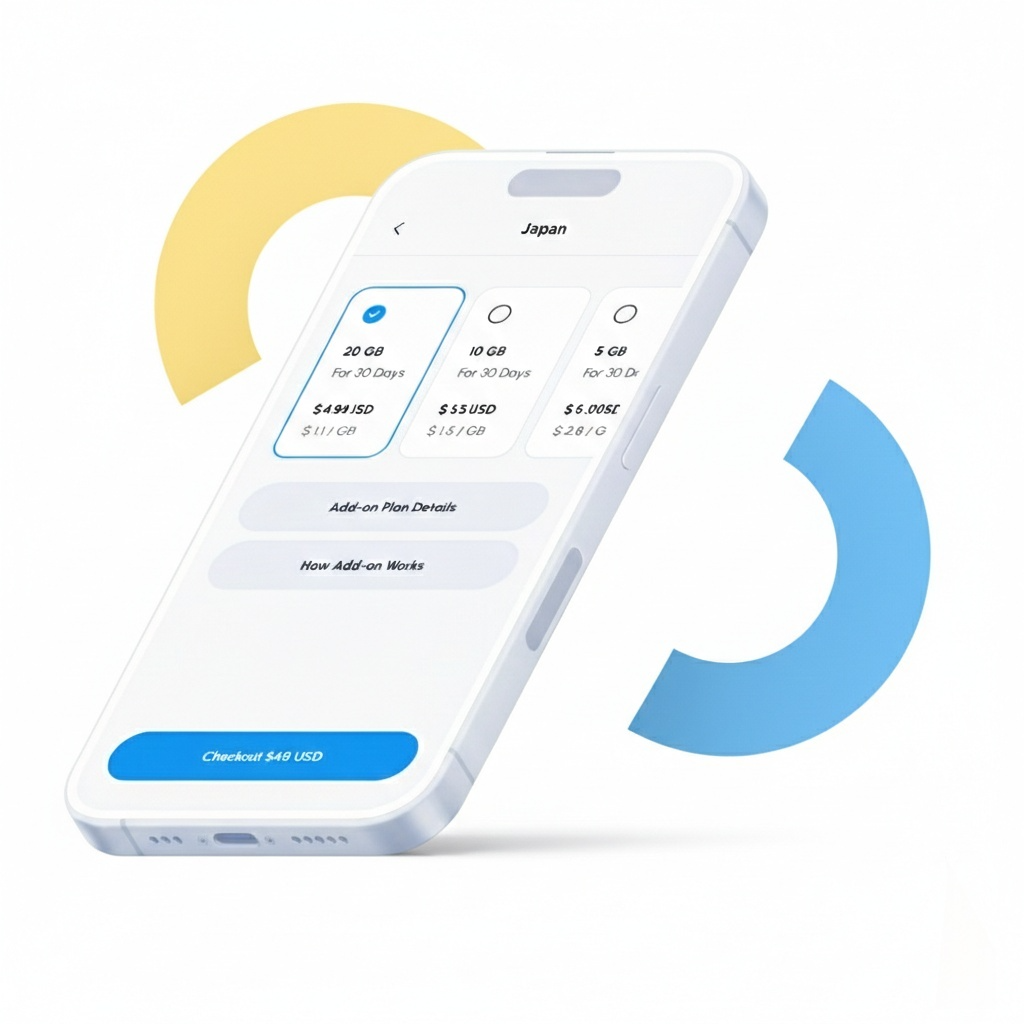
Buy a plan for your desired region / country
Esimvanta offers data plans across 200+ destinations. Select a plan by destination, data size, and validity period.
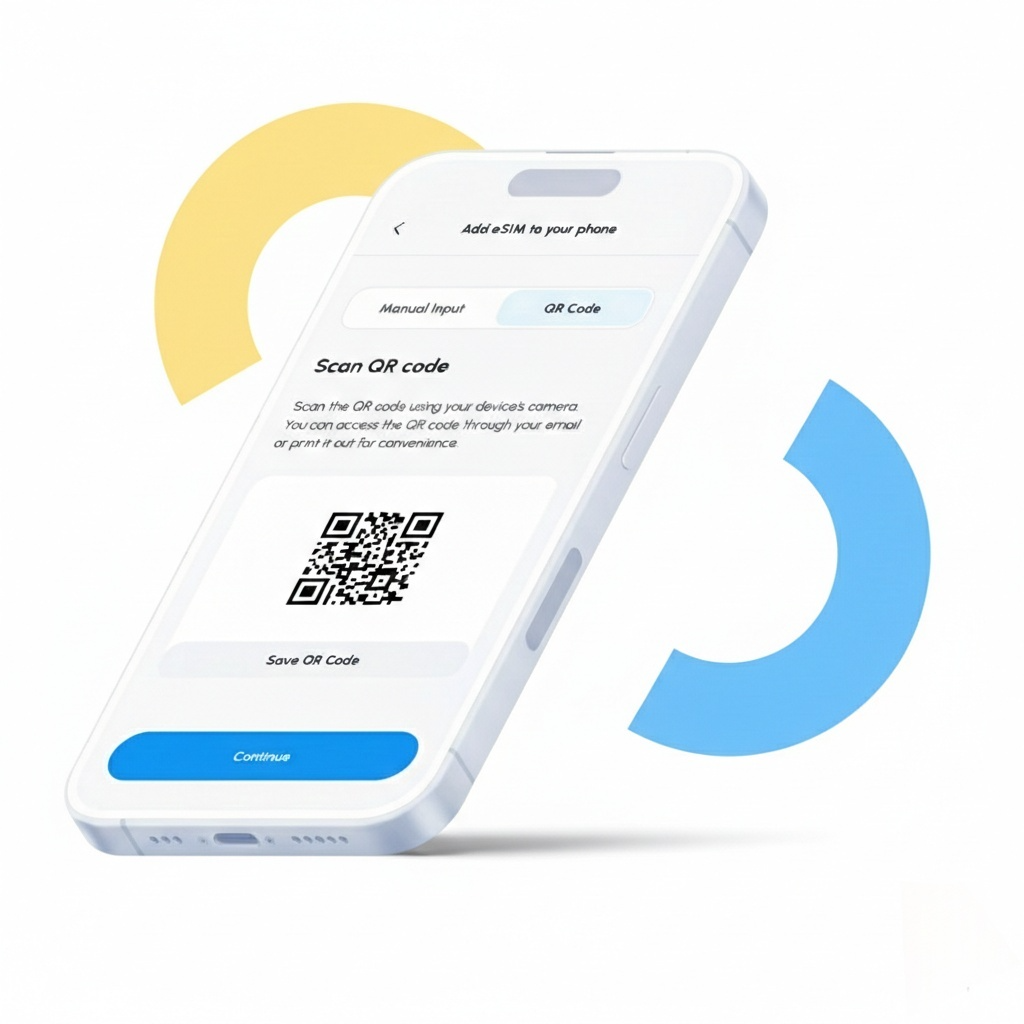
Install the eSIM on your phone
Quick one-tap installation or simply by scanning a QR code.
Get connected when you arrive at your destination
Activate your eSIM on arrival and enjoy fast, reliable data on supported networks.
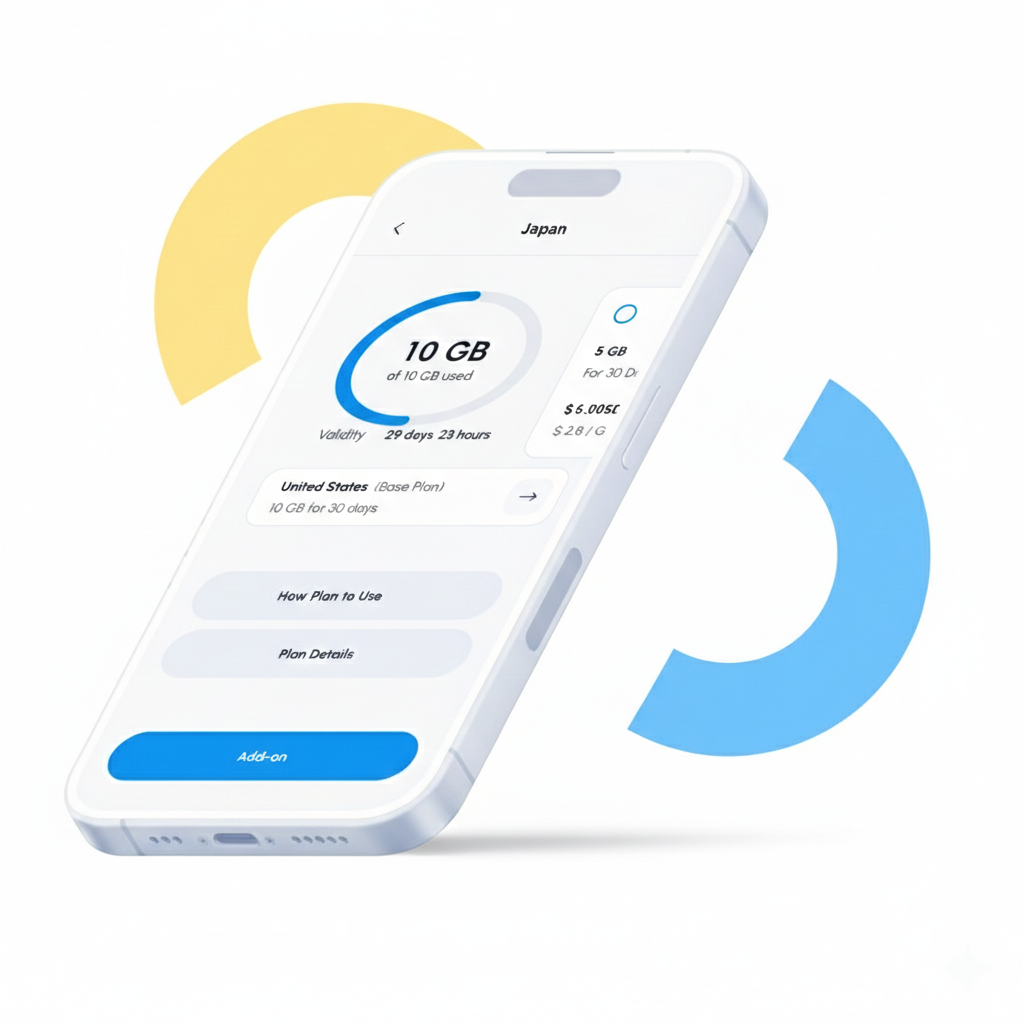
Running out of data? Get an add-on.
Purchase an add-on and seamlessly stay connected using the same eSIM.

Why choose eSIM?

Get everything you need to stay connected on your travel
Travel Data eSIM Plans

Flexible plans with 5G/4G/LTE where available.

Use Your Favorite Apps

Install and activate your eSIM to use apps overseas.

Keep Your WhatsApp Number

Keep your phone to receive text messages.

Customer Support

Chat Hours: Mon–Fri, 9:30am–6:00pm (HKT)

Local Network Access

Access local partner networks for high-speed internet.

Dual SIM Flexibility

Switch easily between eSIM and physical SIM.

Esimvanta eSIM FAQs

What is an eSIM?

eSIM (embedded SIM card) can be directly installed in smartphones or other mobile devices, keeping you connected anytime, anywhere. It works similarly to a traditional SIM card but without the need for a physical card. As long as your device is compatible, you can use eSIM.

Can I use my SIM card and Esimvanta eSIM at the same time?

If you use an Apple device, you can use both a physical SIM card and an eSIM simultaneously. You can retain your primary SIM card in your phone while using the eSIM from Esimvanta for data transmission. Ensure your phone settings are updated to use the Esimvanta eSIM for data transmission to avoid roaming charges.

How can I delete the Esimvanta eSIM once I’ve used my data?

There is no need to delete the eSIM once you have finished using it. However, if you wanted to, you can do this by going to your phone’s SIM card manager.

How many times can I use my eSIM card?

If needed or when changing phones during your trip, you can transfer your eSIM. However, note that you can only transfer the eSIM to two devices—the original one and a new one. Once you’ve installed it on a different device than the original, you won’t be able to reinstall it on the original device and you must deliver the eSIM from the original device to install it in the second device.

How can I check how much data I have left?

To check the data balance you have left, log in to our account  with the credentials we sent you by email when you made the purchase. You can also check your data balance from the data settings on your device.